Start with the transaction and the system of record
An API, meaning an application programming interface, is the agreed way one system asks another to do something or hand over data. Scoping the backend behind an app means deciding what those requests may do and which system is in charge of each answer. Start from the business transaction: what the user is trying to achieve, what record that creates or changes, and who is entitled to see it afterwards. One fictional scenario runs through this page, a mobile client creating a single booking through a versioned backend. It is invented for illustration, and your actual systems still have to be agreed.
Which system owns each user, transaction and business record
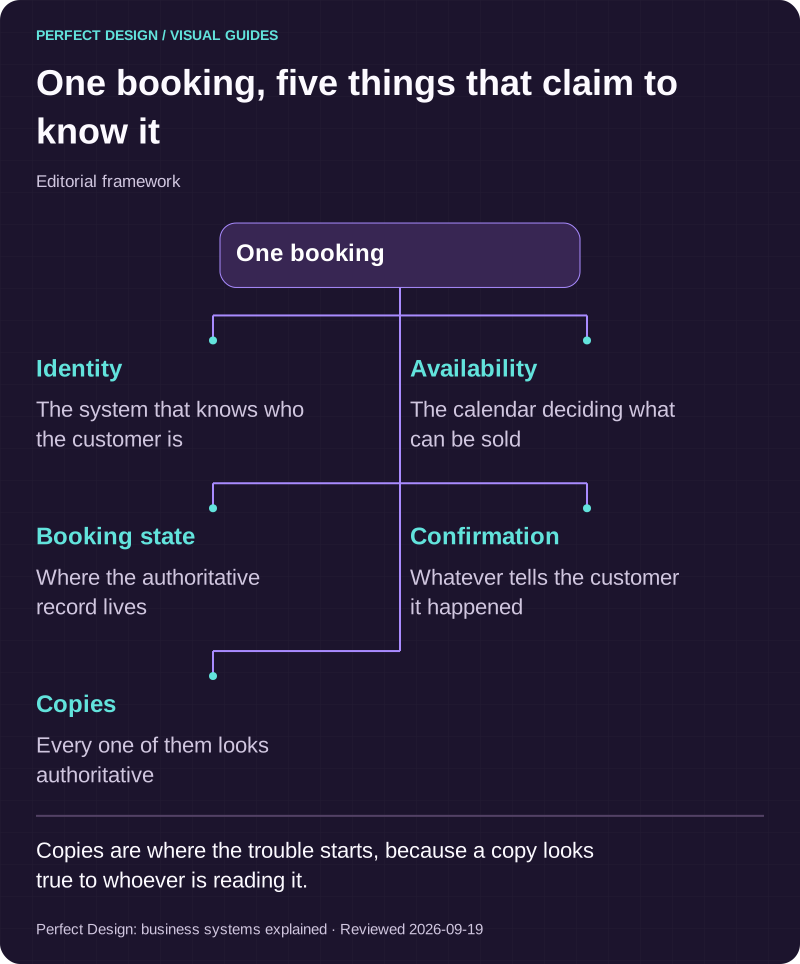
Use a small table in your own notes with six columns: the record, the system that is authoritative for it, who may write to it, who may read it, who owns an exception, and what evidence proves the two sides agree. Work through user identity, the transaction itself, the business records around it, and any copy that lives in an external system. Copies are where the trouble starts, because a copy always looks authoritative to whoever is reading it.
In the fictional booking, that means naming which system owns availability, which owns the customer, which owns the booking state and which sends the confirmation. Permissions and ownership are settled together, because who may change a record is meaningless until you know where the real one lives. Our Aruva Marketplace build is a concept prototype rather than client work, and it is useful here because one order passes through six role workspaces over a single set of records, which is exactly what ownership rules exist for.

One booking, five things that claim to know it
Editorial framework. Copies are where the trouble starts, because a copy looks true to whoever is reading it.
Basis: Perfect Design: business systems explained. Reviewed .
Read the graphic as text
One booking
- Identity. The system that knows who the customer is
- Availability. The calendar deciding what can be sold
- Booking state. Where the authoritative record lives
- Confirmation. Whatever tells the customer it happened
- Copies. Every one of them looks authoritative
What the API contract has to decide before anyone builds
The contract is the promise between app and server. It has to name the resources or actions available, the shape of each request and response, what validation rejects, and what every error state means in terms the app can act on. OWASP's REST security guidance, read on 18 September 2026, describes REST as resource-oriented, with state meaning the state of the resource the interface accesses rather than the state of a session. That is guidance for one style of interface, not a rule for every project, but the distinction is worth keeping.
Then versioning, which is the decision mobile projects underestimate. A website updates for everyone the moment you deploy. An app does not. Someone who installed your app in March may still be running that build in December, because they never auto-update, or they are on an old device, or they simply declined. So the contract has to say which client versions are supported, how a breaking change is introduced, and what an unsupported client is told. A forced-update screen is a legitimate answer, as long as it is a decision rather than an accident.
| Workflow step | Assumed actor | Proposed system response | Exception | Acceptance evidence to collect |
|---|---|---|---|---|
| Request a permitted record | Signed-in user | Return only the data authorised for the current role | A guessed identifier or an expired token must not widen access | Positive and negative API authorisation tests |
| Retry a booking submission | Mobile client | Reuse the agreed request identity after a lost response | An uncertain first outcome needs server reconciliation, not a second booking | Duplicate-request, timeout and booking-identity tests |
| Upgrade the API | Backend owner | Keep the agreed supported client versions working, with the change observable | An old client on an incompatible contract needs the chosen fallback | Version compatibility, error and support-owner checks |
Read as a sequence, that is: the app presents a token, the server checks it and decides whether this caller may act, the request goes in, the response is lost on a poor connection, the app decides whether it may safely retry, the server recognises the repeat and reconciles rather than creating a second booking, and anything still ambiguous is visible to a named support owner rather than silently dropped.
Authentication, sessions and what a token may do
Two questions hide behind the word login. Authentication proves who is calling. Authorisation decides whether that caller may see or change this particular record. OWASP's guidance says secure REST services should only provide HTTPS endpoints, that non-public endpoints must perform access control at each endpoint, and that a token consumer should verify the token is integrity protected and check claims such as issuer, audience and expiry before authorising a request. Treat that as security guidance rather than proof of any implementation. Session design, meaning sign-in, refresh, logout, recovery and behaviour across several devices, is its own subject, as is how a token is revoked early.
Sync: which writes can wait, and which cannot
Synchronisation just means keeping the copy on the phone and the record on the server in step. Android's offline-first guidance describes a local data source acting as the canonical source of truth the app reads from, with a repository coordinating network updates, and distinguishes pull-based, push-based and hybrid approaches while noting the choice depends on product requirements and infrastructure. The scoping question is simpler: can this write wait. A saved filter can. A payment cannot. Decide per action whether it is online-only, queued for later, or written locally first, and decide what the user sees while it is pending.
Failures, retries and the duplicate you did not mean to create
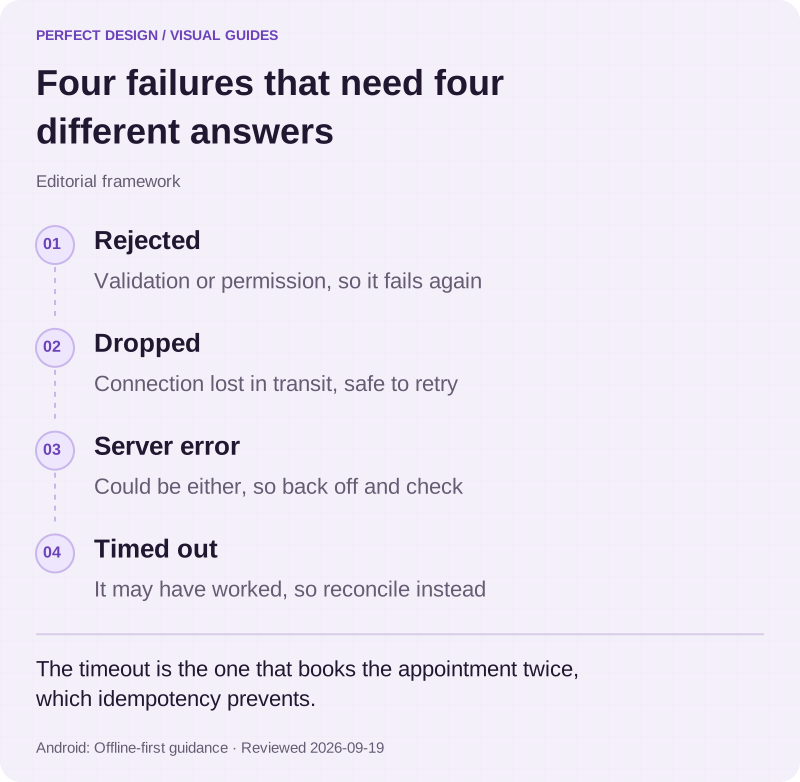
Failures are not one thing, and treating them as one is how duplicates get created. A validation or authorisation failure will fail again, so retrying is pointless. A dropped connection is transient and worth retrying. A server error may be either. The dangerous case is the timeout, where the request may have succeeded and the answer was lost. Retrying blindly there books the appointment twice.
The fix is idempotency, which means a repeated request produces the same result as the first rather than a second record. In practice the app attaches an identity to the request and the server recognises a repeat and returns the original outcome. Anything still uncertain goes to reconciliation, meaning a deliberate check of what the server actually holds, rather than a guess. OWASP also advises validating workflow state on the server so requests cannot be invoked out of sequence to bypass intended controls, which is worth remembering whenever the app appears to be enforcing the rules.
What a retry and reconciliation policy must define
Four things: how a request is identified so a repeat is recognisable, which failures may be retried and which may not, when retrying stops, and what happens to whatever is left over. Android's guidance offers exponential backoff for draining queued work and versioning for resolving conflicts, with last write wins as one example rather than a default. Pick the policy per transaction, because the right answer for a saved preference is not the right answer for a payment.

Four failures that need four different answers
Editorial framework. The timeout is the one that books the appointment twice, which idempotency prevents.
Basis: Android: Offline-first guidance. Reviewed .
Read the graphic as text
- Rejected. Validation or permission, so it fails again
- Dropped. Connection lost in transit, safe to retry
- Server error. Could be either, so back off and check
- Timed out. It may have worked, so reconcile instead
Push notifications are infrastructure, not a feature
A notification looks small and is really a system: device tokens that change and expire, a store of which token belongs to which user on which device, permission state per platform, a queue that keeps working when the provider is slow, and a record of what was sent so support can answer a customer who says nothing arrived. Decide early what a notification may contain, because delivery is never certain and anything critical must also be visible in the app.
What breaks when the app and the backend drift apart
Drift is the characteristic mobile failure. The server adds a required field and an older build fails at submission. A status is renamed and the old app shows a blank badge. A response gains a structure the installed version cannot parse and the screen is empty. None of these appear in staging, because staging runs the current build. They appear for people running last quarter's app, and they arrive as a support problem rather than an error log.

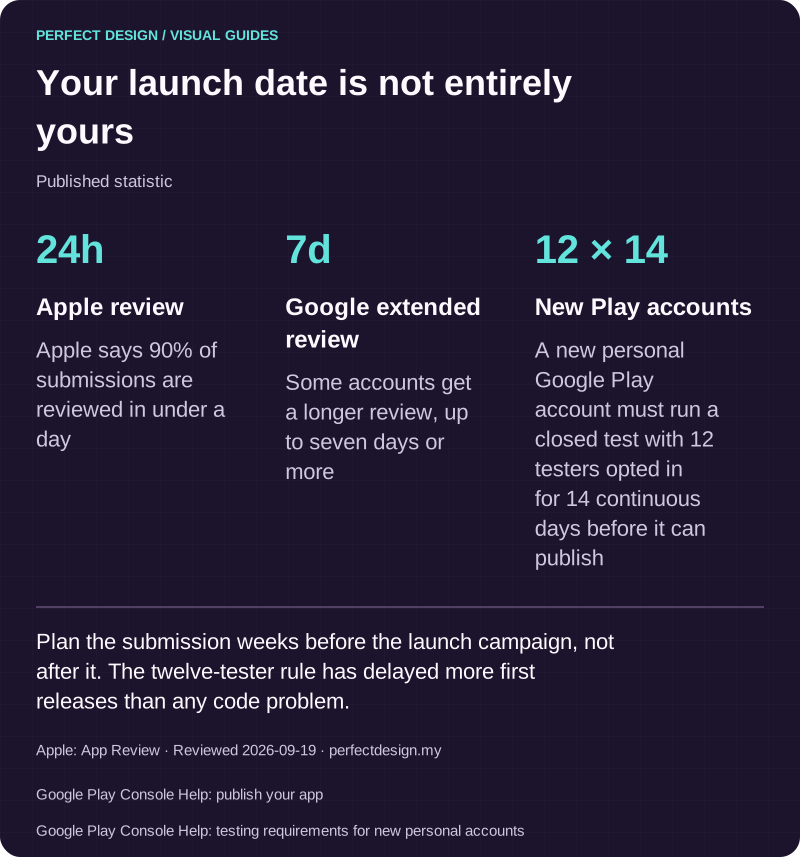
Your launch date is not entirely yours
Published statistic. Plan the submission weeks before the launch campaign, not after it. The twelve-tester rule has delayed more first releases than any code problem.
Source: Apple: App Review. Reviewed .
Also: Google Play Console Help: publish your app.
Also: Google Play Console Help: testing requirements for new personal accounts.
Read the graphic as text
- Apple review: 24h. Apple says 90% of submissions are reviewed in under a day
- Google extended review: 7d. Some accounts get a longer review, up to seven days or more
- New Play accounts: 12 × 14. A new personal Google Play account must run a closed test with 12 testers opted in for 14 continuous days before it can publish
Who owns hosting, monitoring and credentials
A backend is something somebody has to run, so name who before launch. The hosting account and who may deploy. The API credentials and who rotates them. What is monitored and who is told when it breaks. Which audit logs are kept and for how long. Who approves a release, and where routine maintenance ends and new work begins. OWASP suggests writing audit logs around security-related events and logging token-validation errors to detect attacks, and warns against putting keys or passwords in URLs, where they end up in server logs.

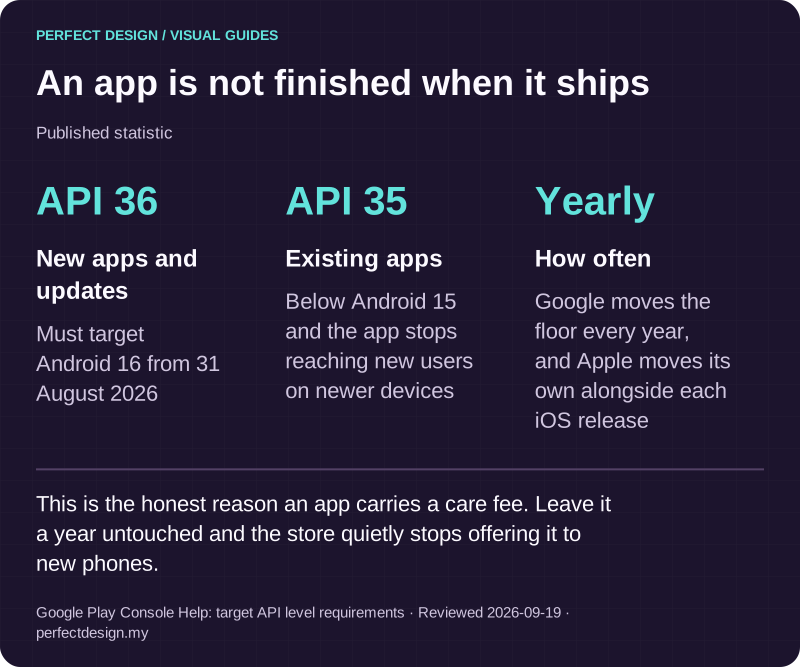
An app is not finished when it ships
Published statistic. This is the honest reason an app carries a care fee. Leave it a year untouched and the store quietly stops offering it to new phones.
Source: Google Play Console Help: target API level requirements. Reviewed .
Read the graphic as text
- New apps and updates: API 36. Must target Android 16 from 31 August 2026
- Existing apps: API 35. Below Android 15 and the app stops reaching new users on newer devices
- How often: Yearly. Google moves the floor every year, and Apple moves its own alongside each iOS release
Turning the questions into a scoped next step
Bring the user roles, the records a transaction touches, the systems already in use with whatever interface documentation exists, how sensitive each kind of data is, the failure cases that would actually hurt, who owns each account, and the evidence you would want before accepting the work. Send that as a scoped enquiry and we will tell you which parts look solid and which need confirming. If the wider question is which system should own your business records at all, CRM and integrations is the better place to start.