

A search term is not a keyword
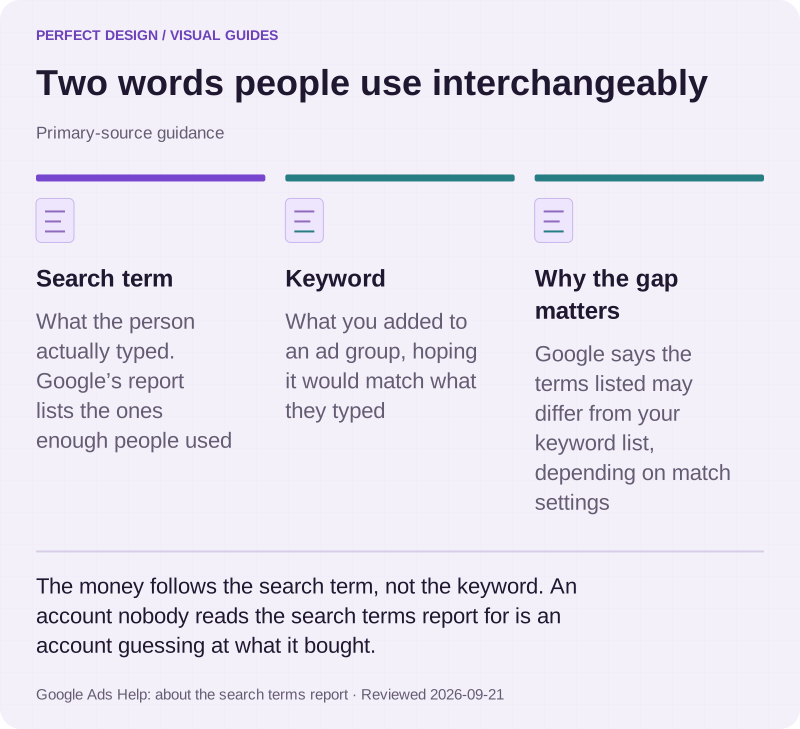
These two words get used interchangeably and the difference is where the money goes. Google defines a search term as "a word or set of words a person enters when searching", and a keyword as "a word or set of words that Google Ads advertisers can add to a given ad group". One is what the customer did. The other is what you guessed they would do.
The search terms report is the bridge between them, and Google says plainly that "depending on your keyword matching options, the search terms listed might be different from your keyword list". That report is the single most useful screen in the account, and it is the one most accounts are never shown. Two caveats worth knowing: it only lists terms "a significant number of people have used", because Google omits low-volume searches for privacy, so it is a sample of where your money went rather than a ledger.

Two words people use interchangeably
Primary-source guidance. The money follows the search term, not the keyword. An account nobody reads the search terms report for is an account guessing at what it bought.
Source: Google Ads Help: about the search terms report. Reviewed .
Read the graphic as text
- Search term. What the person actually typed. Google’s report lists the ones enough people used
- Keyword. What you added to an ad group, hoping it would match what they typed
- Why the gap matters. Google says the terms listed may differ from your keyword list, depending on match settings
Match types decide how far the guess can stretch
Google offers three matching options, and they nest: broad match catches everything phrase match would, and phrase catches everything exact would, plus more. Exact match, in Google's words, "gives you the most steering over who views your ad, but reaches fewer searches". Broad match may show your ad on "searches that don't contain the direct meaning of your keywords" — which is either useful discovery or an expensive detour, depending entirely on whether anybody is reading the search terms afterwards.
There is no correct answer here that applies to every account. A tight budget in a narrow category usually wants exact and phrase with a short, deliberate broad-match experiment. A category where nobody agrees on the vocabulary often needs broad match to find the language customers actually use. What is not optional is the review: broad match without a search terms habit is just a slower way of spending the budget.
Negative keywords are maintenance, not a one-off list
Excluding searches is the main cost control in a search account, and it behaves differently from the way most people assume. Google documents that negative keywords "won't match to close variants or other expansions", and gives its own example: excluding "flowers" stops the ad on "red flowers" but not on "red flower". Singular and plural are separate exclusions. So are synonyms.
Casing and misspellings are handled for you — Google states negatives "automatically account for casing and misspellings". Everything else is manual, which is why an exclusion list written at launch and never revisited stops working within weeks. This is the part of ads management that is genuinely ongoing labour rather than a setup task, and it is the part that quietly decides what a campaign costs.
What we actually write: fifteen headlines and four descriptions
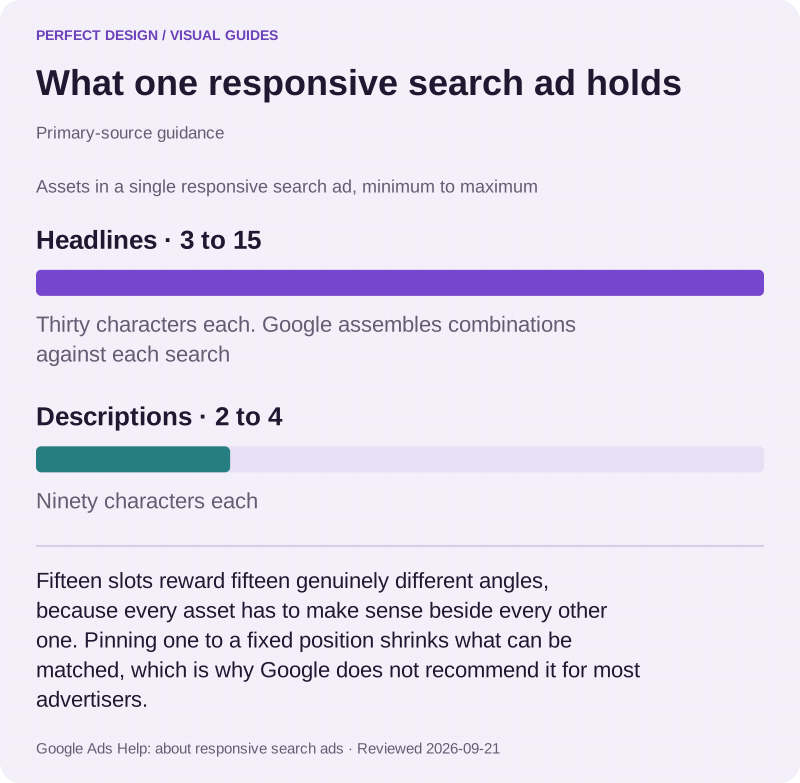
A responsive search ad takes up to 15 headlines and 4 descriptions, and Google assembles combinations of them against each search. Headlines run to 30 characters, descriptions to 90. That format rewards writing genuinely different angles rather than fifteen rewrites of the same sentence, because every asset has to make sense beside every other one.
Clients often ask for the company name pinned to the first headline of every ad. Pinning is supported, and Google's guidance is direct about the trade-off: because it "reduces the overall number of headlines or descriptions that can be matched to a potential customer's search", pinning "isn't recommended for most advertisers". We will pin where something genuinely must appear — a regulated disclaimer, for instance — and otherwise argue against it.

What one responsive search ad holds
Primary-source guidance. Fifteen slots reward fifteen genuinely different angles, because every asset has to make sense beside every other one. Pinning one to a fixed position shrinks what can be matched, which is why Google does not recommend it for most advertisers.
Source: Google Ads Help: about responsive search ads. Reviewed .
Read the graphic as text
- Headlines: 3 to 15. Thirty characters each. Google assembles combinations against each search
- Descriptions: 2 to 4. Ninety characters each
Chart scale: Assets in a single responsive search ad, minimum to maximum.
Ad Strength is feedback, not a ranking factor
Google labels the opposite belief a common misconception, in those words: "Ad Strength is a feedback tool for asset diversity and combination testing. It isn't used to calculate Ad Rank, Quality Score, or auction wins." It also states that Ad Strength "doesn't determine whether your ad is eligible to serve".
So an "Average" rating is not an emergency and an "Excellent" one is not a result. It is worth improving because more genuinely different assets give the system more to test, and Google's own internal data puts a 15% average conversion lift on moving from Poor to Excellent — its figure, its methodology, quoted as such. What Ad Strength is not is something to put in a report as though it were an outcome.
What a daily budget actually means
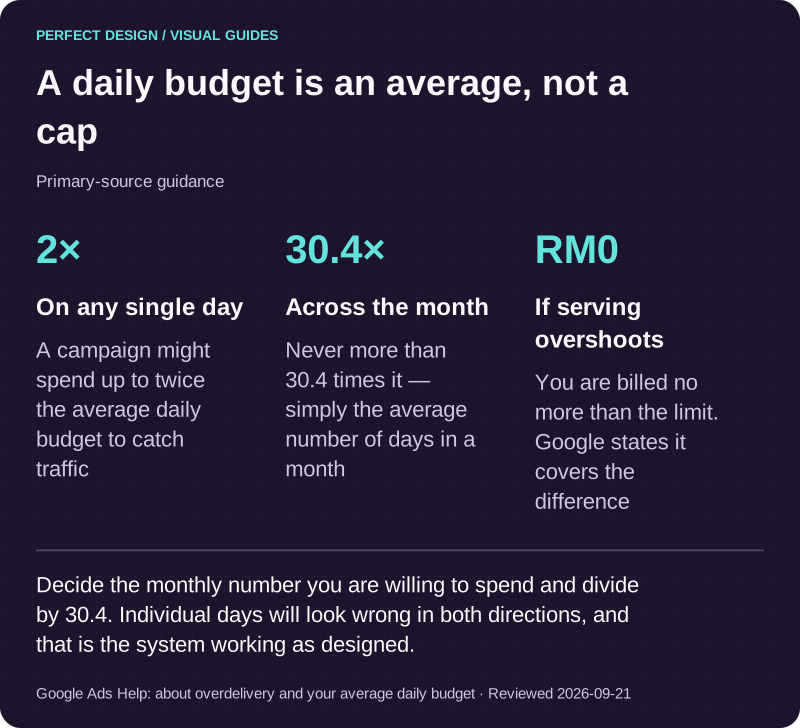
This surprises almost every new advertiser. A daily budget is an average, not a cap: Google states a campaign "might spend up to twice your average daily budget" on a given day to catch traffic, and that at month end "you will have spent no more than 30.4 times your average daily budget". The 30.4 is simply the average number of days in a month.
The protection is real, though. If serving overshoots the limit, Google documents that "you'll never pay more than these two limits" and that where it happens "Google will cover the difference". Practically, that means a daily figure is the wrong unit for a conversation about budget. Decide the monthly number you are willing to spend, divide by 30.4, and expect individual days to look wrong in both directions.

A daily budget is an average, not a cap
Primary-source guidance. Decide the monthly number you are willing to spend and divide by 30.4. Individual days will look wrong in both directions, and that is the system working as designed.
Source: Google Ads Help: about overdelivery and your average daily budget. Reviewed .
Read the graphic as text
- On any single day: 2×. A campaign might spend up to twice the average daily budget to catch traffic
- Across the month: 30.4×. Never more than 30.4 times it — simply the average number of days in a month
- If serving overshoots: RM0. You are billed no more than the limit. Google states it covers the difference
Deciding what counts as a result, before the spending
A conversion action is, in Google's definition, "a specific customer activity that is valuable to your business" — and the advertiser chooses which ones those are. Google measures them from four sources: website actions, app actions, phone calls, and offline conversions imported back in. For a lot of Malaysian businesses the real enquiry is a call, not a form, and that has to be set up deliberately rather than assumed.
Two mechanics decide whether your reports make sense. Primary conversion actions feed bidding and the "Conversions" column; secondary ones are, in Google's words, "for observation only" and report into "All conversions" without influencing bidding — which is why a newsletter sign-up should not sit beside a quote request. And a conversion window decides how long after a click something still counts, defaulting to 30 days and settable from 1 to 90. A considered B2B purchase can complete outside the window you chose, and then it is simply not in the number.
Paid clicks do not lift your organic ranking
Worth stating because it is sold both ways. Google answers it directly: "Does buying ads improve my search ranking? No. Google's advertising programs are independent of our search results." Its advertiser-facing material says the same in plainer language — a pay-per-click solution "won't improve your organic search rankings".
The two do help each other, just not mechanically. Running search ads tells you within weeks which searches actually turn into enquiries, and that evidence makes slower SEO work considerably better targeted. Anyone selling ads as a ranking shortcut is describing something Google has published a flat denial of.
What to bring to a scoping conversation
The account if one exists, even a neglected one — its history and conversion configuration do not transfer to a fresh account, so it is usually worth keeping. What a genuine enquiry looks like to you, and who decides that. The page a click should land on, or an honest admission that the closest thing is a homepage. And the monthly figure you are comfortable treating as the cost of finding out, rather than a number that has to be defended.